If you have ever printed a coloring page and found the top chopped off, or watched a page designed for one paper size land awkwardly on another, you have met the quiet chaos of the A4 vs US Letter divide. The two sizes look nearly identical. They are not — and that small difference is responsible for most “the picture printed wrong” headaches.
The Actual Dimensions
Let us get the numbers out of the way, because they are the whole story:
A4: 210 x 297 mm (about 8.27 x 11.69 inches). This is the ISO international standard, used in Europe, Asia, Australia, and almost everywhere except North America.
US Letter: 8.5 x 11 inches (215.9 x 279.4 mm). This is the North American standard, and what US and Canadian printers default to.
So US Letter is roughly 6 mm wider and 18 mm shorter than A4. Small on a ruler, noticeable on a print. The two sizes also have different aspect ratios — A4 keeps the elegant 1:√2 ratio shared by the whole ISO paper family, while Letter does not. That means the shapes are not simply scaled versions of each other. They are genuinely different rectangles.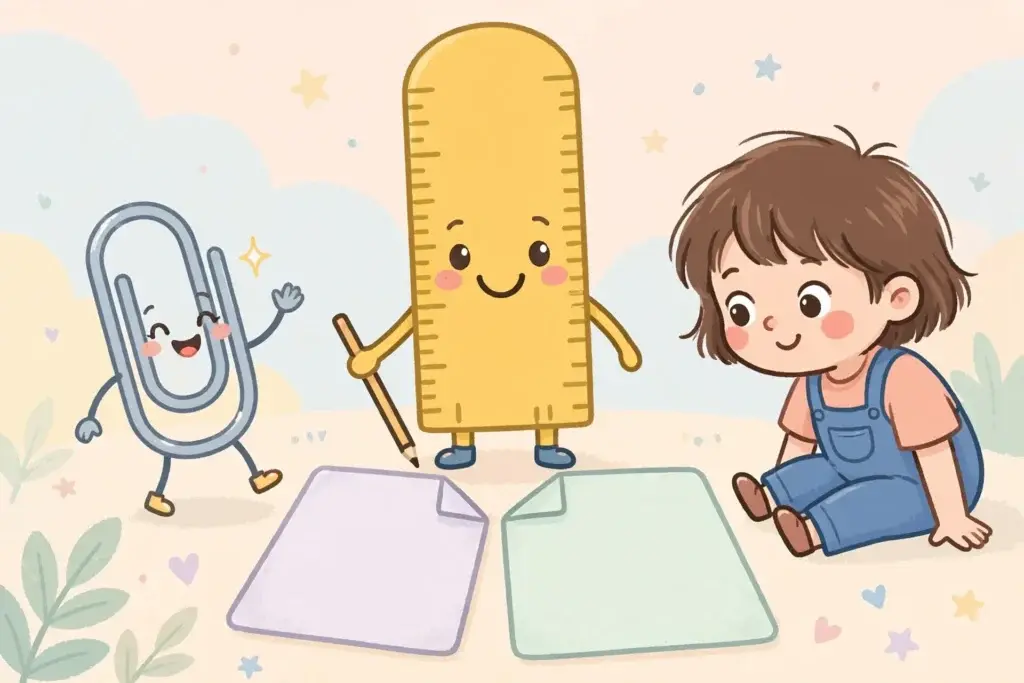
Why This Matters for Coloring Pages
Most coloring page downloads, including ours at ColorKidPlay, are designed to print cleanly on both sizes. Our dog coloring pages and T-Rex coloring pages, for example, carry generous margins so nothing important sits at the very edge.
But many printables online are not so forgiving. Here is what happens when the size on the file and the size in your tray do not match:
A Letter-designed page printed on A4 (common for European and Australian parents downloading US files): the printer either clips the left and right edges — because the page is wider than the sheet — or auto-squeezes the whole design, leaving odd white strips at the top and bottom.
An A4-designed page printed on Letter (common the other way around): the taller page gets cut at the top, or shrinks down leaving chunky margins.
Neither outcome ruins the page completely, but both can chop off a tail, a horn, or the smile your child was looking forward to coloring.
How to Check Which Size You Have
This sounds obvious, but paper packaging in the US rarely says “Letter” prominently — it is just assumed. Look at the ream wrapper or the box: in the US it will say 8.5 x 11; elsewhere it will say A4. Your printer’s default in the driver settings is the other giveaway: North American printers default to Letter, the rest of the world to A4.
The Fix: Three Clicks in the Print Dialog
You do not need new paper. You need the right setting. Open the print dialog and:
1. Set the paper size to match the paper in your tray. Letter for US paper, A4 for everywhere else. This is the single most important step — everything else follows from it.
2. Set scaling to “Fit to page” (or “Scale to fit” / “Fit to printable area,” depending on your printer). This tells the printer to adjust the design to your sheet rather than forcing the file’s native size.
3. Glance at the print preview. If the whole picture is visible with nothing cut off, you are good to print.
That is genuinely it. This is also the routine we recommend in our step-by-step printing guide, which covers quality, orientation, and drying time too.
Which Size Do Coloring Sites Design For?
Most free printable sites design for US Letter, since the majority of their traffic is American — but good ones build in margins that survive on A4 too. If you ever download a page where the picture touches the very edge of the preview, that is the file most likely to crop when sizes mismatch. Our pages always keep artwork safely inside the printable area of both sizes, so this particular worry does not apply here.
When in doubt, the fix from the section above — match the dialog to your paper, use “Fit to page” — handles every site, no matter which size the designer intended.
When Should You Actually Care Which One?
For coloring pages, honestly: rarely. The fix above handles it. There are two situations where the size matters more:
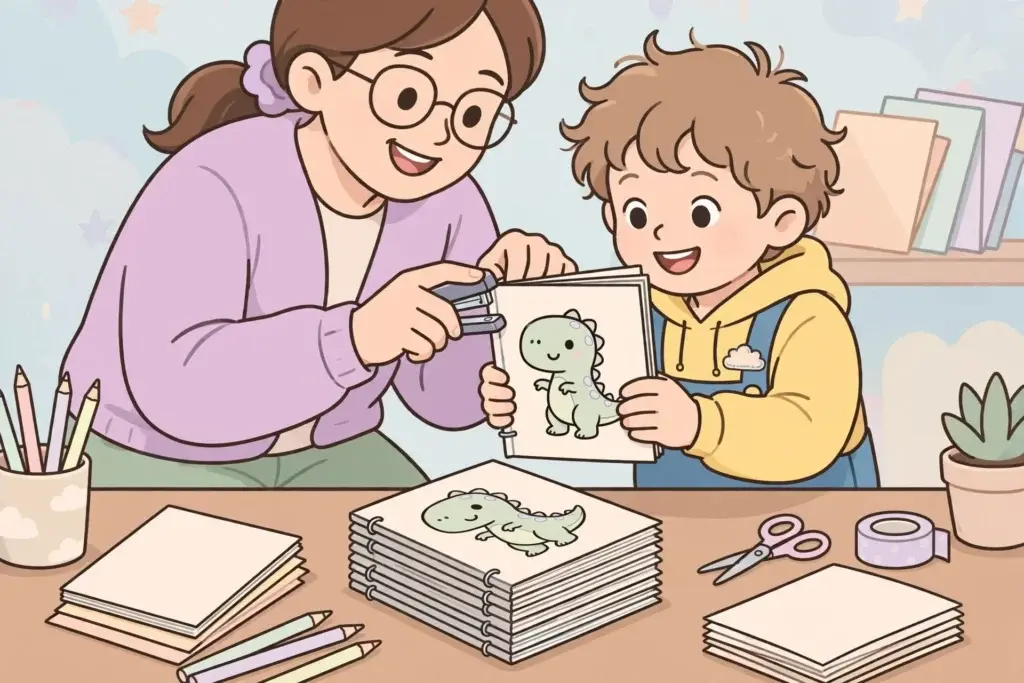
Binding or assembling multi-page projects. If you are printing pages to staple into a little booklet — see our guide to making a homemade coloring book — mixing sizes looks sloppy. Stick to one size for the whole project.
Classroom printing. If you print at school or a library, the printer there is set to whatever the local standard is. Check the dialog once and save the hassle of thirty half-cropped pages.
Quick Reference
In the US or Canada: buy 8.5 x 11 (Letter) paper, set your dialog to Letter, and print with “Fit to page.” Done.
Everywhere else: buy A4 paper, set your dialog to A4, and print with “Fit to page.” Done.
Once the size question is settled, the next upgrade is paper quality — heavier stock survives markers without bleeding through. Our best paper guide breaks down which weight works for crayons, colored pencils, and markers. Pair that with a fresh theme — maybe our butterfly coloring pages — and your print station is fully sorted.